Canvas Calendar Feed Not Updating in Google Calendar? How to Fix It
Quick answer
A Canvas feed in Google Calendar updates on Google's schedule, not Canvas's, so new items can take hours to show. If it never updates, you probably imported a file instead of subscribing to the URL, or the feed link you used is no longer current.
Drop your syllabus here
Every assignment, exam, and reading on your calendar in about 30 seconds. Free, no account.
PDF, Word, or a photo of a paper one. No syllabus handy? See a sample
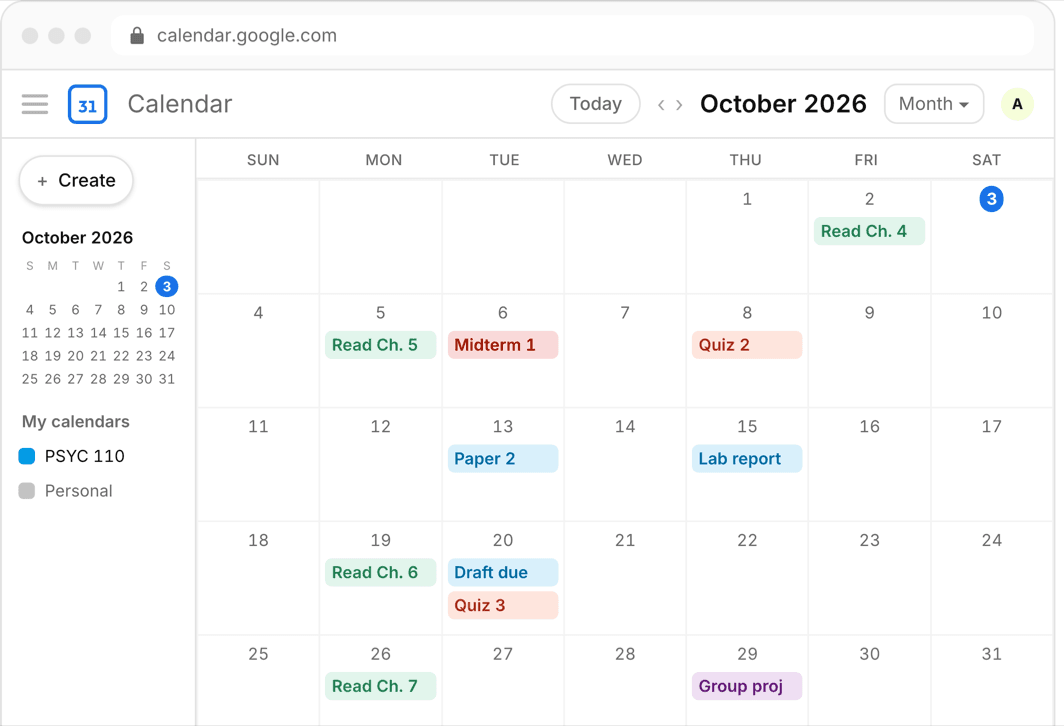
You added your Canvas calendar to Google Calendar, a new assignment went up, and Google still shows the old week. Most of the time nothing is broken. The feed is a one-way link that Google checks when it chooses to, and it only carries what Canvas puts in it.
This guide walks through each cause in order, from the most common to the least. It is based on Google Calendar Help (support.google.com/calendar), the Instructure Canvas Student Guide, and university Canvas help pages such as the University System of New Hampshire knowledge base. We checked these sources on 2026-11-26. Canvas and Google change their menus from time to time, so use the names below as a guide.
Or skip all of it
Upload the syllabus. Get the calendar.
Every assignment and exam on Google, Apple, or Outlook in about 30 seconds. One syllabus free, no account, no card.
Cause 1: Google has not refreshed the feed yet
When you add a calendar "From URL" in Google Calendar, Google fetches that link again on its own schedule. You cannot set how often. University help pages warn that updates from Canvas to another calendar "do not happen instantaneously," and many report waits of several hours up to about a day.
So an assignment your professor posted this morning may not show in Google until later. That is normal lag, not a broken feed.
- Check the Canvas Calendar itself when a deadline is close. It is always current.
- Wait a day before you assume the feed is broken.
- If a whole day passes and nothing new appears, move on to the causes below.
Cause 2: You imported a file instead of subscribing
Google Calendar has two ways to bring in an outside calendar. Settings, then Import & export, copies events from a file once. Next to Other calendars, Add other calendars, then From URL, subscribes to a link that Google checks again later.
Google's own help says imported events "don't stay in sync." If you downloaded the Canvas feed as a file and imported it, those events are frozen at the moment you imported them. They will never pick up changes.
- Look in the left sidebar of Google Calendar. A subscribed Canvas feed shows under Other calendars as its own calendar.
- If the Canvas events sit inside your main calendar instead, they were probably imported.
- Delete the imported events, then subscribe with From URL as shown in the next section.
How to subscribe to the Canvas feed the right way
- In Canvas, open Calendar from the Global Navigation menu.
- Select Calendar Feed, usually at the bottom of the right sidebar, and copy the full link.
- On a computer, open Google Calendar. Next to Other calendars, select Add other calendars, then From URL.
- Paste the Canvas link and select Add calendar.
- The new calendar appears under Other calendars. Give it a day for the first full refresh.
Cause 3: The feed link is old or wrong
Google keeps checking the exact link you pasted. If that link stops working, Google does not tell you. The calendar just stops changing.
- If you copied the link from a classmate, an old email, or a past semester, get a fresh one from your own Canvas Calendar Feed.
- Make sure you copied the whole link. A missing character means Google fetches nothing.
- Remove the old calendar from Google, then add the current link with From URL.
- If your school moved to a new Canvas address, the old link may no longer work. Copy the feed again from the new site.
Cause 4: The item is not in the feed at all
The feed only carries what Canvas has to give. If an item does not appear on your Canvas Calendar, it will not appear in Google either.
- Unpublished assignments are hidden from students everywhere in Canvas, including the feed.
- Assignments with no due date have nothing to put on a calendar, so they are left out.
- Instructure's Student Guide notes that To Do items are not part of the calendar feed.
- The feed covers a limited window of past and future dates, so very old or far-off items may be missing.
- If you added a new course after you subscribed, Instructure says to re-import the feed so the new course shows up. In Google, that means removing the calendar and adding the link again.
Cause 5: The deadline only lives in the syllabus
Some professors never enter dates in Canvas. They post a syllabus PDF and announce the rest in class. No feed setting can fix that, because Canvas has no record of those dates.
For those classes, the syllabus is your real calendar. You can type the dates into Google yourself, or use a tool that reads the syllabus for you. We make Classmaite, which does this: upload a syllabus as a PDF, Word file, photo, or pasted text at myclassmaite.com/try, with no account needed. You review the dates it found, then sync them to Google Calendar or download an .ics file for Apple Calendar or Outlook. A free account keeps two classes, and Pro is $9 a month.
Still not working
- Open the Canvas feed link in a browser. If it downloads or shows calendar text, the link works and the delay is on Google's side.
- If the link shows an error, copy a fresh one from Canvas Calendar Feed.
- Check that the Canvas calendar is turned on (checked) under Other calendars in Google.
- Ask your school's Canvas help desk. Some schools change how calendar feeds work.
Free grade calculators
What do you need on the final?
Enter your current grade, how much the final is worth, and the grade you want. Get the exact score, with the math shown. No account, no email.
Final grade calculatorFrequently asked questions
How long does the Canvas feed take to update in Google Calendar?
Google sets the refresh schedule for calendars added by URL, and you cannot change it. University help pages report anything from about an hour to about a day. Check Canvas directly when a deadline is close.
Can I force Google Calendar to refresh the Canvas feed?
Google Calendar does not offer a refresh button for calendars added by URL. Removing the calendar and adding the same link again usually makes Google fetch it fresh, but you will lose any colors or settings you set for it.
Why did my Canvas events in Google stop changing completely?
Usually the events were imported from a file rather than subscribed by URL, so they never update. It can also mean the feed link is no longer valid. Subscribe again with a fresh link from Canvas Calendar Feed.
Why is an assignment in Canvas but not in my Google Calendar?
If it was posted recently, Google has probably not refreshed yet. If it has no due date, is a To Do item, or belongs to a course you added after subscribing, the feed will not include it until that changes.