How to Export Your Moodle Calendar to Google Calendar (and Keep It Updated)
Quick answer
In Moodle, open the calendar, select Import or export calendars, then Export calendar. Pick your events and time period, select Get calendar URL, and copy it. In Google Calendar, add it under Other calendars with From URL so it keeps updating.
Drop your syllabus here
Every assignment, exam, and reading on your calendar in about 30 seconds. Free, no account.
PDF, Word, or a photo of a paper one. No syllabus handy? See a sample
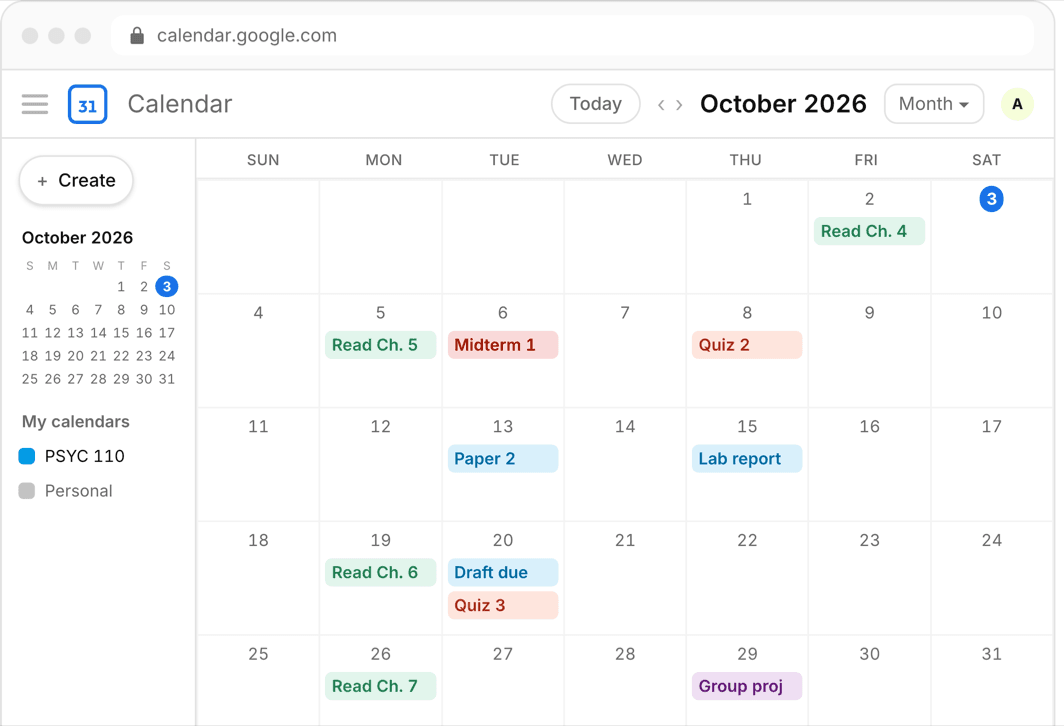
Moodle can send your course dates to Google Calendar, but the export screen offers two buttons that look alike. One gives you a live link. The other gives you a file that never changes. Picking the wrong one is the most common reason a Moodle calendar in Google goes stale.
This guide is based on Moodle's Calendar export documentation (docs.moodle.org), Google Calendar Help, and the California College of the Arts Moodle knowledge base. We checked these sources on 2026-11-26. Moodle sites vary by version and theme, and schools can rename or move menus. If a button below is not where we say, look for the same name elsewhere on your calendar page.
Or skip all of it
Upload the syllabus. Get the calendar.
Every assignment and exam on Google, Apple, or Outlook in about 30 seconds. One syllabus free, no account, no card.
Step 1: Get the calendar URL from Moodle
- Log in to Moodle and find the Calendar. On many sites it is a block on the Dashboard, sometimes near the bottom of the page.
- Below the calendar, open Import or export calendars.
- Select Export calendar.
- Under Events to export, choose All events, or Events related to courses if you only want course dates.
- Under Time period, choose a range. The CCA guide suggests Recent and next 60 days.
- Select Get calendar URL, then Copy URL.
Step 2: Subscribe in Google Calendar
- On a computer, open Google Calendar.
- Next to Other calendars, select Add other calendars, then From URL.
- Paste the Moodle link and select Add calendar.
- The calendar appears under Other calendars. To rename it, open its settings from the three-dot menu.
Mistake 1: Using Export instead of Get calendar URL
The Export button downloads a file. If you import that file into Google, you get a snapshot. Moodle's documentation and the CCA guide both say a file will not stay up to date. Google's own help says imported events "don't stay in sync."
- If your Moodle events sit inside your main Google calendar, they were probably imported.
- Delete those events, go back to Moodle, and use Get calendar URL instead.
Mistake 2: Picking a time period that runs out
The link only covers the time period you chose. The CCA guide notes that a "this month" URL keeps updating, but next month's events will not show until that month starts. A short window can make it look like the feed stopped working.
- Pick a longer range, such as Recent and next 60 days, when it is offered.
- Your school may limit how far ahead or back the export can reach. If upcoming dates are missing, ask your Moodle help desk.
Mistake 3: Expecting it to update right away
Google checks the link on its own schedule. The CCA guide says changes can take up to several hours to appear. Moodle cannot push updates to Google.
- Check Moodle directly for anything due soon.
- Give a new subscription several hours before you assume it is broken.
What the Moodle export cannot do
Moodle's documentation and the CCA guide both say you cannot export a single course. You can filter to course events, but not to one specific course. The link also shows the calendar of the person who made it, so do not use a classmate's link.
The export only includes events on your Moodle calendar. If an assignment has no due date in Moodle, it is not there. Dates that live only in the syllabus never reach Moodle at all. We make Classmaite, which pulls those dates out of a syllabus. Upload it as a PDF, Word file, photo, or pasted text at myclassmaite.com/try with no account. You review the dates it found, then sync them to Google Calendar or download an .ics file for Apple Calendar or Outlook. Classmaite can also subscribe to your Moodle calendar feed. A free account keeps two classes, and Pro is $9 a month.
Still not working
- Go back to Export calendar, select Get calendar URL again, and copy the full link.
- Remove the old Moodle calendar from Google before you add the new link.
- Check that the Moodle calendar is turned on (checked) under Other calendars.
- Confirm the event shows on the Moodle calendar itself. If it is not there, it will not sync.
- Ask your school's Moodle help desk. Some sites turn off calendar export or limit its date range.
Free grade calculators
What do you need on the final?
Enter your current grade, how much the final is worth, and the grade you want. Get the exact score, with the math shown. No account, no email.
Final grade calculatorFrequently asked questions
Where is Get calendar URL in Moodle?
Open the calendar, select Import or export calendars, then Export calendar. Choose your events and time period, and Get calendar URL appears next to the Export button. Some sites place these menus differently.
Why is my Moodle calendar not updating in Google?
Usually the calendar was imported from a file instead of subscribed by URL, or the time period you picked has run out. Google also takes up to several hours to refresh. Subscribe again with a fresh calendar URL.
Can I export just one Moodle course?
No. Moodle lets you filter to course events, but not to a single course. You can color or hide the whole feed in Google Calendar.
Does the Moodle calendar URL work in Outlook or Apple Calendar?
It is a standard calendar link, so apps that can subscribe to a calendar by URL can use it. Look for an option to subscribe from the web or add a calendar by URL.